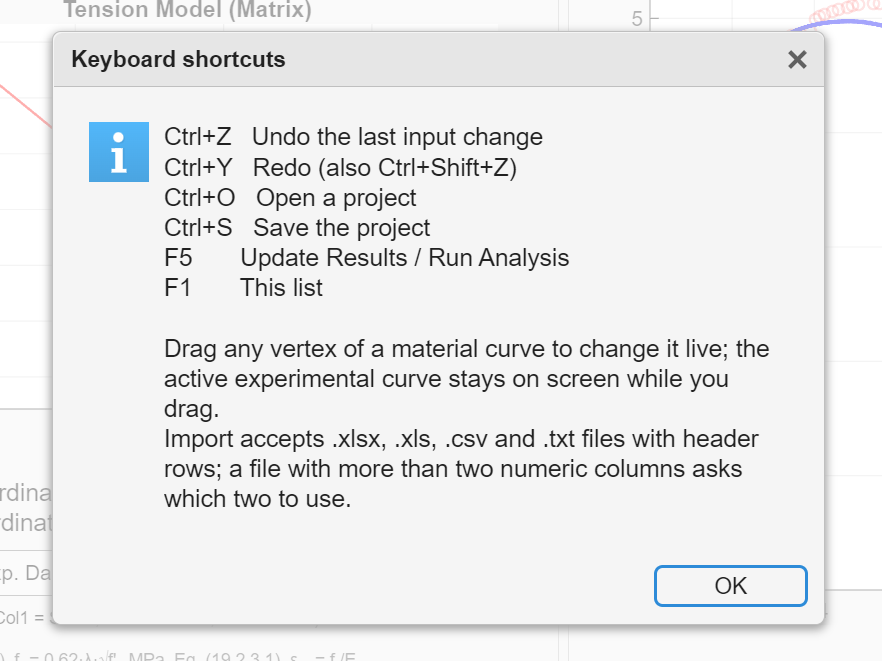
Keyboard shortcuts
Reference
The same shortcuts work in every module. Press F1 inside the software to see this list.
| Shortcut | Action |
|---|---|
| Ctrl+Z | Undo the last input change |
| Ctrl+Y or Ctrl+Shift+Z | Redo |
| Ctrl+O | Open a project |
| Ctrl+S | Save the project |
| F5 | Update Results, or Run Analysis in the cross-sectional module |
| F1 | Show the shortcut list |
| Esc | Close an open menu or dialog |
Mouse
| Gesture | Where | Action |
|---|---|---|
| Drag a vertex | Tension and compression plots on the input tabs | Changes that coordinate live and updates every result tab while you drag |
| Drag the slider | Stress Profile tab | Moves the bottom strain, or the crack-tip opening CTOD in the notched-beam module, at which the profiles are drawn |
| Click a module image | Module selector | Launches the module |
| Click a screenshot | This manual | Opens it full size |